Create!
Creating good playlists is hard. But help is on the way! beaTunes offers you Matchlists.
Matchlists are a hybrid of iTunes-like smart playlists and Genius. Instead of following hard rules, matchlists are created with a couple of seed songs and a set of soft rules.
Here's how it works
- Get the free beaTunes trial version for Windows or Mac and install it on your computer
- Start beaTunes
-
Analyze your library for beats per minute (BPM), key,
color, and language
(the more information about each song is available, the better the matchlist) - Select a couple of songs that you would like the matchlist to sound like - these are your seed songs
- Now click on the New Matchlist button in the toolbar
- beaTunes will display the matchlist dialog:
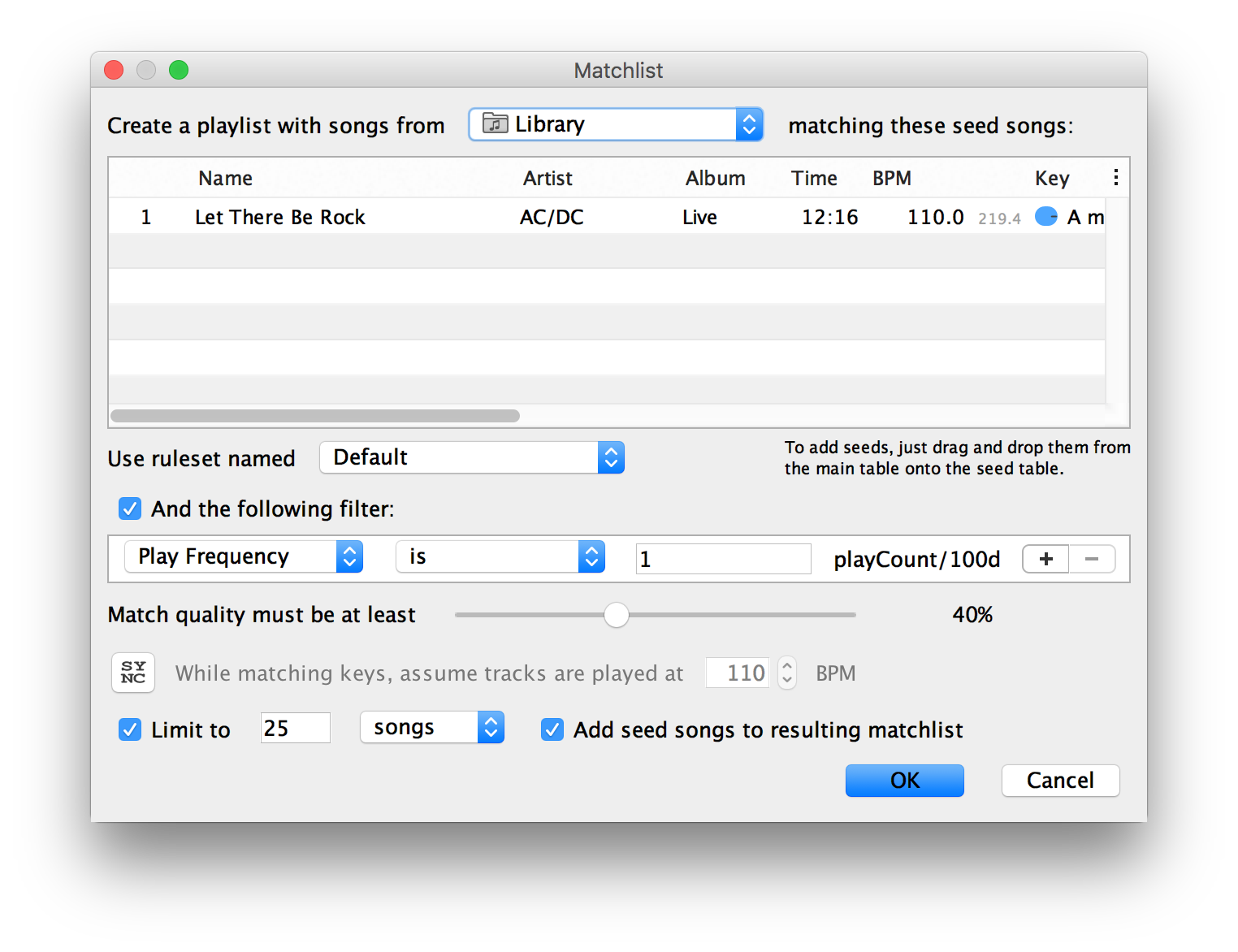
- Choose the source of the songs for your new matchlist
- beaTunes awards a match quality percentage for each song from your source - choose how well songs have to match the seed songs to make it into the list
- Usually it is a good idea to limit the number of songs you would like to add to the new playlist
- After you clicked OK, beaTunes creates the new list and saves it
You are done. Enjoy your new matchlist!
Matchlists aren't perfect - but usually a lot better than shuffle or some obscure 'smart' playlists. And if you don't like the outcome right away, you can easily custom tune the mechanism for creating better versions. In the application preferences you can assign more or less weight to the rules that detect a similar BPM, a similar color, or other attributes of your songs.
And if you don't feel like tuning rules, just select a song from the main table and ask beaTunes to play similar songs.
So - how are you going to create your next playlist? Get the free trial version and see for yourself how simple it can be.
More
beaTunes has a lot more useful features to detect the key of your songs, adjust loudness via ReplayGain, keep your library in shape, browse your songs in new ways, analyze your music, and help you to create interesting playlists.